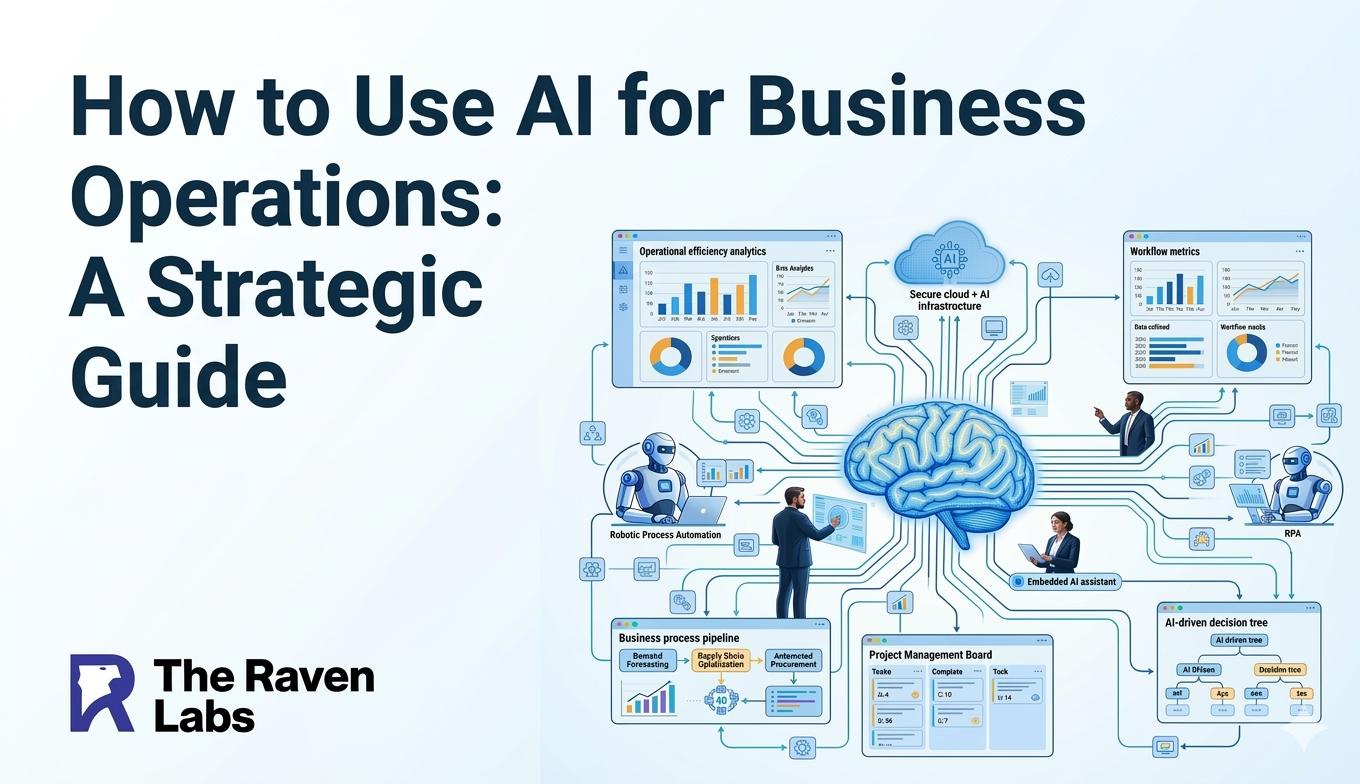
Businesses in 2026 operate in a fast moving digital environment where efficiency and data driven decision making determine success. Organisations are no longer satisfied with simply storing data in the cloud. Instead, they want technology like Copilot in Dynamics 365 that can interpret data, automate processes, and provide actionable insights.
This shift has given rise to dynamics 365 ai solutions, where business systems move beyond basic functionality and evolve into intelligent platforms capable of assisting teams with everyday tasks.
Microsoft has introduced one of the most significant advancements in this area through Copilot in Dynamics 365. By embedding artificial intelligence directly into CRM and ERP workflows, Copilot helps businesses reduce manual work, generate insights from data, and streamline operations.
Instead of relying on complex dashboards or lengthy reports, teams can interact with their systems using natural language commands. This allows employees to perform tasks faster and focus on higher-value activities that contribute to business growth. In this article, we explore how Copilot works within Dynamics 365 and examine practical use cases that demonstrate how AI is reshaping business productivity.
What Is Microsoft Copilot in Dynamics 365 and How Does It Work?
Microsoft Copilot in Dynamics 365 is an AI-powered assistant integrated directly into customer relationship management (CRM) and enterprise resource planning (ERP) applications.
Unlike standalone AI tools, Copilot operates within the context of business data. It has access to information such as customer records, financial transactions, inventory levels, and communication history, functioning as a comprehensive customer data platform. By combining large language models with enterprise data, Copilot enables users to interact with business applications through simple prompts.
For example, employees can ask the system to:
- Draft a customer email
- Summarize a sales opportunity
- Generate a financial report
- Analyze customer engagement trends
- Create marketing content through content creation capabilities
Why Are Businesses Adopting AI Automation in CRM and ERP Systems?
Modern organisations collect vast amounts of data, yet much of it remains underutilized. Traditional reporting tools often require manual effort to interpret data, and many employees simply do not have the time to analyze large datasets regularly. AI automation bridges this gap by converting raw information into insights and actions.
Some of the key benefits of AI-powered automation include:
1. Reduced administrative work
Many employees spend a large portion of their time on repetitive tasks such as data entry, report creation, and meeting summaries. AI tools can automate these activities, freeing teams to focus on strategic work.
2. Faster decision-making
Instead of waiting for reports, leaders can receive instant insights generated from live data.
3. Improved forecasting
AI systems can identify patterns in historical data and generate predictions about future trends. These advantages allow organisations to operate more efficiently while maintaining better visibility into their operations.
What are the Most Practical Microsoft Copilot in Dynamics 365 Use Cases?
One of the strongest advantages of Copilot is its ability to deliver real value across multiple business functions. From sales to finance and customer service, the platform supports a wide range of operational activities with intelligent actions.
How Does Copilot Improve Sales Productivity and Customer Insights?
Sales teams often spend significant time researching prospects, drafting emails, and updating crm system records.Copilot reduces this workload by automating many of these processes.
For example, the AI assistant can analyze customer data and generate personalized outreach emails with advanced personalization. It can also summarize meeting notes, track opportunity status, and recommend next actions for sales representatives, including follow-up emails and deal recommendations.
The platform supports email marketing efforts by enabling teams to create targeted campaigns with audience segmentation capabilities that identify the most relevant prospects for specific offerings. Another powerful capability is predictive analytics for lead scoring.
Instead of relying on static scoring models, Copilot analyzes historical sales patterns to identify leads that are most likely to convert. This helps sales teams focus their efforts on opportunities with the highest potential value.By automating research and administrative work, Copilot enables sales professionals to spend more time building relationships with customers.
How Does AI Automation Improve Financial Operations in Business Central?
Finance teams handle complex processes such as invoice management, bank reconciliation, and financial reporting. Copilot simplifies these operations through intelligent automation.
For example, the system can automatically match bank statement entries with accounting records, reducing the time required for reconciliation. Copilot can also extract invoice data from documents validate it against purchase orders, and prepare journal entries for approval.
This level of automation reduces manual errors while improving efficiency in financial operations. Additionally, finance leaders can use natural language prompts to generate financial summaries or analyze spending trends.This makes financial insights easier to access and interpret.
How Does Copilot Enhance Customer Service and Field Operations?
Customer service teams often manage large volumes of inquiries and support requests. Copilot helps streamline these interactions by providing agents with real-time assistance.
During customer interactions, the system can suggest recommended responses, summarize case histories, and highlight relevant knowledge base articles. This enables support agents to resolve issues more quickly while maintaining consistent service quality and improving customer satisfaction. Field service teams also benefit from ai-powered assistance.
- Dispatchers can use Copilot to optimize technician schedules based on factors such as travel time, job priority, and technician skills.
- Technicians in the field can use voice-to-text tools to generate service reports, which Copilot then organizes into structured documentation.
- These capabilities help organisations deliver faster and more efficient customer support.
Why Is AI Integration Changing Business Operations Across Industries?
The impact of AI-driven business systems extends far beyond a single department. Organisations across industries are adopting intelligent automation to improve operational efficiency.
For example : Manufacturing companies use ai-driven insights to predict supply chain management disruptions and adjust production plans. Professional services firms automate project reporting and billing processes.
Retail businesses analyze purchasing trends to optimize inventory levels. Healthcare organisations use AI assistants to manage patient inquiries and appointment scheduling. Across all sectors, the common goal is to reduce manual workloads and improve decision-making speed.
How Can Businesses Successfully Implement AI in Dynamics 365?
Successful AI adoption requires more than just enabling new technology. Organisations must also prepare their data and processes to ensure that AI tools operate effectively. One important step is establishing strong data governance practices.
AI systems rely heavily on data quality, so businesses must ensure that their CRM and ERP data is accurate, organized, and accessible. Another effective strategy is starting with smaller pilot projects.
Instead of deploying AI across the entire organisation at once, businesses can begin with specific use cases such as automated email drafting or financial reporting.Once teams see measurable benefits, adoption can expand to other areas.
Companies that approach AI adoption strategically are more likely to achieve sustainable long-term results.
How Businesses Accelerate Their AI Transformation?
Implementing intelligent automation requires expertise in both business systems and AI technologies. Organisations often benefit from guidance when integrating advanced capabilities into their existing platforms.
Raven labs supports businesses in implementing Microsoft Dynamics 365 and AI-powered productivity tools such as Copilot. By aligning AI capabilities with operational goals, companies can ensure that automation delivers measurable improvements in efficiency and decision-making.
With the right strategy, organisations can transform their business applications into intelligent systems that actively support employees and drive growth.
Ready to Unlock the Power of AI in Your Business?
Raven labs helps organisations implement Microsoft Copilot in Dynamics 365 strategically and securely. From automating CRM workflows to optimising ERP operations, we ensure your AI solutions deliver measurable productivity and business outcomes. The future belongs to businesses that turn data into intelligent actions.
Is your organisation ready to lead with AI-powered insights ?
FAQs
1. What does Copilot in Dynamics 365 do?
Copilot is an AI assistant integrated into Dynamics 365 applications that helps automate tasks, generate insights from business data, and assist users with everyday CRM and ERP activities.
2. Can Microsoft Copilot automate business workflows?
Yes. Copilot can automate tasks such as email drafting, report generation, financial reconciliation, and customer service responses, helping teams save time and reduce manual work.
3. Which Dynamics 365 applications include Copilot features?
Copilot is available in several Dynamics 365 products, including Sales, Customer Service, Business Central, Finance, and Field Service.
4. Is Microsoft Copilot secure for enterprise data?
Yes. Copilot operates within Microsoft’s enterprise security framework, ensuring that business data remains protected and compliant with organisational security policies.
5. How can businesses start using Copilot in Dynamics 365?
Businesses typically start by enabling Copilot features within their Dynamics 365 environment and ensuring their data systems are properly configured for AI-driven insights.